Skip the app stores
INSTALL AMM RADIO
AMM Radio installs straight from your browser in under 30 seconds. No downloads, no accounts, no store approvals — just tap and worship.
AMMRADIO
Scan to install
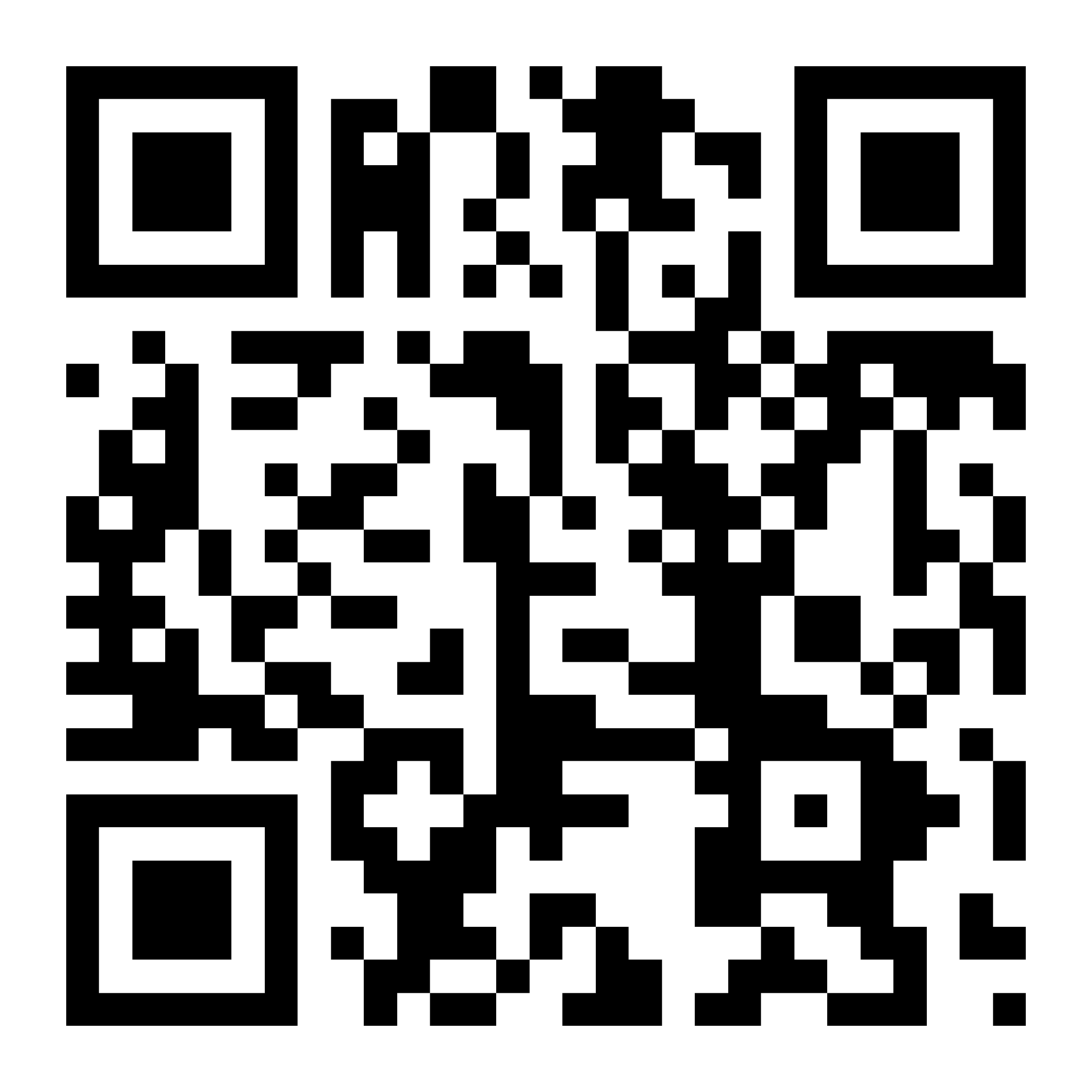
Point your phone camera at this code, then follow the steps below.
www.ammradio.app
Download QRIPHONE & IPAD
- 1
Open in Safari
Visit www.ammradio.app using Safari. Chrome on iPhone cannot install home-screen apps.
- 2
Tap the Share button
It is the square with an arrow pointing up, at the bottom (or top-right) of the Safari window.
- 3
Choose "Add to Home Screen"
Scroll down the share sheet until you see it, then tap it.
- 4
Tap "Add"
The AMM Radio icon lands on your home screen and opens full-screen like a native app.
ANDROID
- 1
Open in Chrome
Visit www.ammradio.app in Google Chrome (Edge and Samsung Internet also work).
- 2
Tap the ⋮ menu
Top-right corner of the browser. Some phones show an install banner right away — tap that instead.
- 3
Tap "Install app"
On older versions this reads "Add to Home screen".
- 4
Confirm install
AMM Radio appears in your app drawer and home screen, ready to stream 24/7.
Troubleshooting
- No "Add to Home Screen" on iPhone? Make sure you are in Safari, not an in-app browser.
- Opened from Facebook or WhatsApp? Tap the ⋮ menu and choose "Open in browser" first.
- Audio stops when the screen locks? Start playback, then reopen the installed app.
- Already installed? Deleting the icon removes it — reinstall any time with these steps.